
Reporting & Analytics
From Data to Actionable Insight.
Reporting & Analytics is Safely’s visibility layer that turns day-to-day operational activity into estate-wide oversight, proof, and performance insight. It brings tasks, forms, documents, temperature monitoring, inventory, audits, incidents, and locations into a single set of dashboards and reports so leaders can see what’s happening, what’s drifting, and what needs action without chasing spreadsheets or visiting every site.
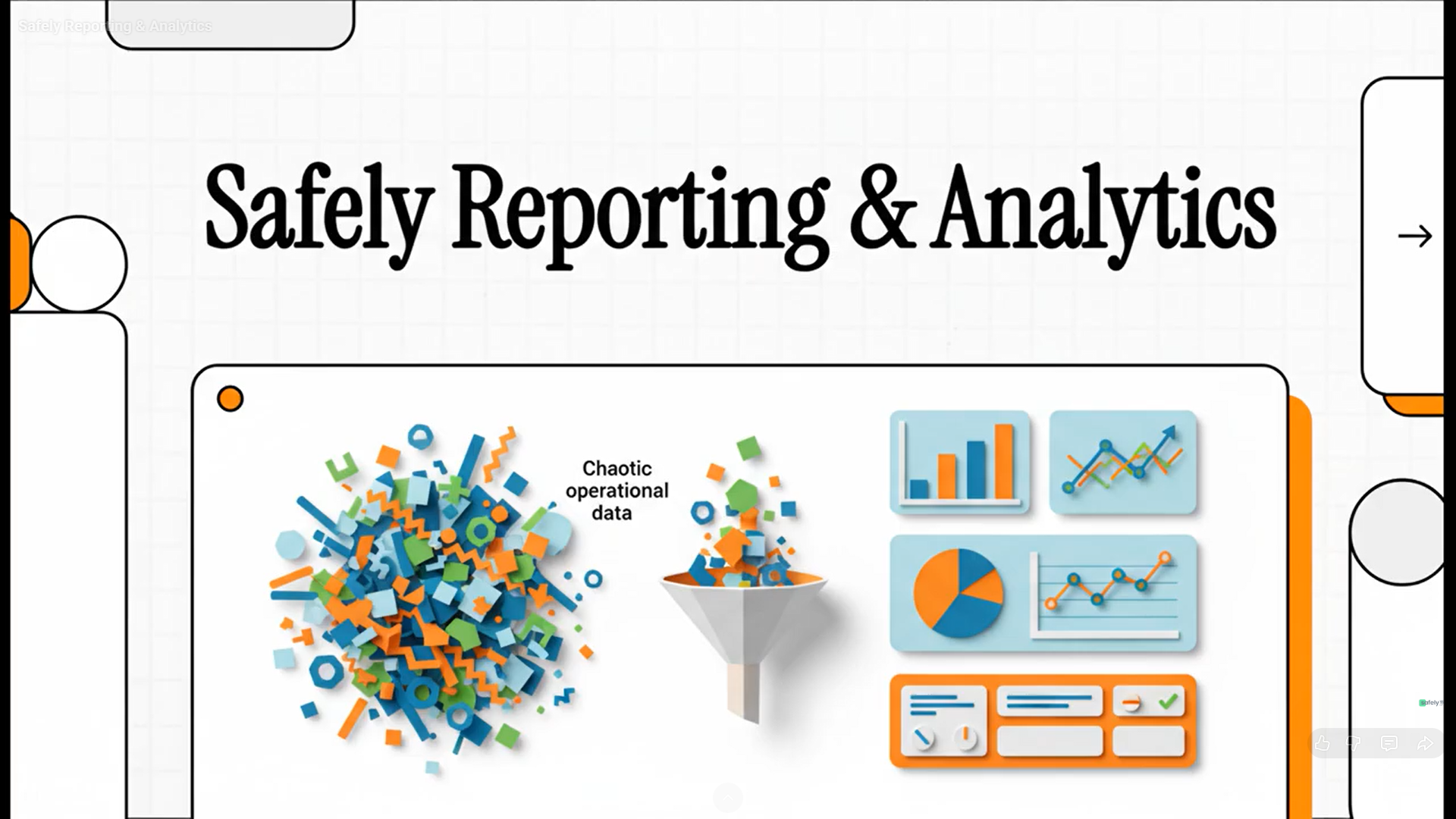
Full Visibility. Zero Spreadsheets.
Download the brochure to see how Safely turns day-to-day operations into live dashboards and actionable insight. Discover how our centralised reporting connects tasks, compliance, and IoT monitoring into a single hub, helping your team manage by exception and stay audit-ready without the administrative chase.
How It Works
Step 1
Surface What Matters
The Home dashboard shows the key operational signals, tasks due, forms to fill, pending documents (sign-offs), temperature compliance, inventory alerts, and notifications so teams know what needs attention immediately.
Step 2
Drill Down Reporting
Dedicated reporting views let you move from summary to detail and prove performance by site, time period, and category.
Step 3
Traceability & Audit Trails
An audit trail provides a chronological record of key actions and changes (who did what, when), supporting investigations, compliance reviews, and external audits.
Step 4
Connect Insight to Action
Dashboards don’t just report they link directly into the workflows so users can take action from the reporting layer and keep everything in sync.
Core Features
Home Dashboard & Widgets
A single screen shows tasks, forms, pending documents, temperature compliance, and inventory alerts to drive daily execution.
Forms Reporting & Analytics
Completion rates, submissions over time, and breakdowns by form or category make checklist compliance measurable.
Asset & Temperature Recording
IoT asset reporting provides trends, compliance over time, heatmaps, alert summaries, and device comparisons.
Inventory Reporting
Inventory dashboards and reports cover stock, movements, expiry, waste and related site/location analytics such as temperature compliance and food waste correlation (where configured).
Solution Area's
Make performance measurable across your entire estate.
Book a demo to see Reporting & Analytics in real time.
Reporting & Analytics FAQs
Safely Reporting & Analytics is a visibility layer that turns daily operational activity into estate-wide oversight, proof, and performance insight . It acts as a central hub, bringing together data from tasks, forms, documents, temperature monitoring, inventory, audits, and incidents into a single set of actionable dashboards . This allows leaders to see exactly what is happening across the business without having to chase spreadsheets or physically visit every site .
The Home Dashboard is designed to surface what matters daily by highlighting key operational signals in easy-to-read widgets . When users log in, they immediately see what needs attention, such as tasks due, forms to fill, pending documents for sign-off, temperature compliance, and inventory alerts . Because the dashboards connect insight to action, users can click "Complete," "Fill," or "View all" to take immediate action without leaving the dashboard, keeping all workflows perfectly in sync .
Safely provides dedicated Forms reporting analytics to make checklist compliance measurable and transparent . The Forms reporting dashboard allows management to track completion rates, view submissions over time, and break down data by specific forms or categories .
Yes, Safely features comprehensive Asset and Temperature reporting that gives a full temperature picture using data from both IoT devices and manual readings . Users can drill down to view temperature trends, compliance over time, heatmaps, alert summaries, and device comparisons . You can also view temperature compliance by specific locations to easily compare performance across different sites .
The platform includes dedicated Inventory and location reporting dashboards that provide an overview of stock levels, movements, expiries, and waste . These reports help organisations control costs and maintain compliance by tracking low stock, identifying expiring items, and viewing food waste correlation by location .
The Audit Trail is a dedicated area that maintains a chronological record of key actions and changes across the platform . By logging exactly who did what and when, the audit trail ensures complete traceability, making it an essential tool for supporting internal investigations, compliance reviews, and external audits .
The reporting dashboards act as the central hub that surfaces data from every other Safely component, including Jobs & Tasks, Smart Forms, Document Management, IoT Monitoring, F&B, and Inventory . This deep integration creates a single, real-time view of your operations, enabling true "management by exception" . The result is faster decision-making, significantly reduced administrative chasing, and stronger overall audit readiness .