Digital Document Management
Governed SOPs and Policies at Scale.
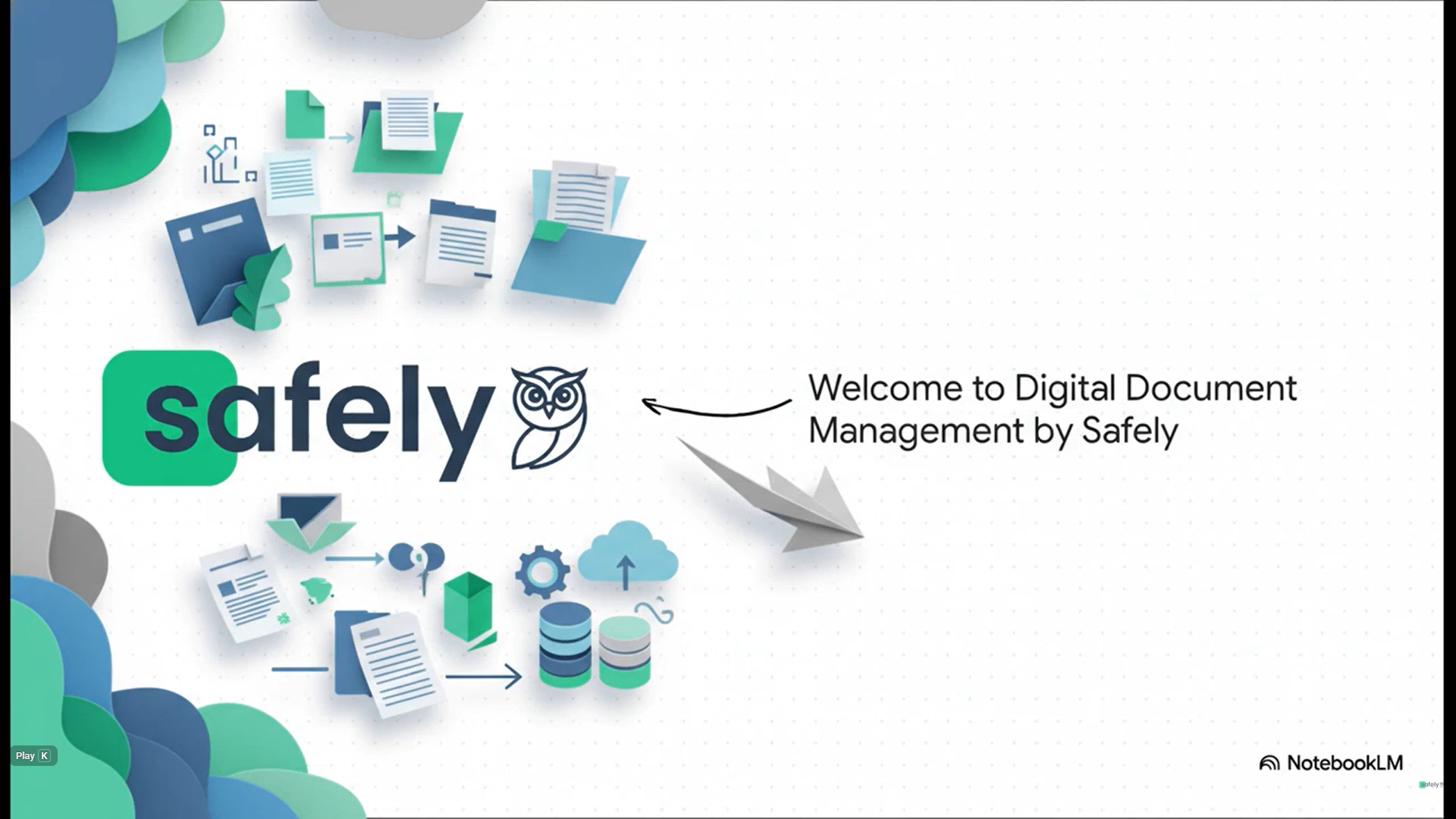
Digital Document Management is Safely’s central library for storing, organising, and governing operational documents, policies, SOPs, manuals, certificates, and PDFs so teams can always access the right information and leaders can prove standards are controlled. It replaces scattered shared drives, email attachments, and outdated binders with a structured menu, optional sign-off workflows, version control, and AI-powered Document Q&A for instant answers from your approved content.
How It Works
Step 1
Create & Organise
Upload or create documents in a single library and structure them with menus and submenus so teams can find the right SOP or policy in seconds.
Step 2
Govern & Control Versions
Enable sign-off and (where applicable) parent–child versioning so documents are reviewed, approved, and kept consistent across sites.
Step 3
Access & Use in the Flow of Work
Documents are available on desktop and mobile, and can be referenced from tasks and corrective actions so “follow the procedure” becomes actionable and consistent.
Step 4
Ask, Prove & Improve
Document Q&A allows users to ask questions in natural language and get answers grounded in your documents, while dashboards show pending sign-offs and reporting supports audit readiness.
Core Features
Document Library & Menu Structure
Store all PDFs in one place and organise them with menus and submenus for fast navigation.
Versioning & Site Syncing
Publish and sync approved versions across sites to standardise policies at scale.
Sign-off & Approvals
Require designated approvers to approve or reject documents with comments before they become final.
Document Q&A with AI
Let users ask “what’s the procedure for X?” and receive answers based on your document content.
Solution Area's
Keep every site aligned with controlled documents.
Book a demo to see Digital Document Management in real time.